Timers And Presets
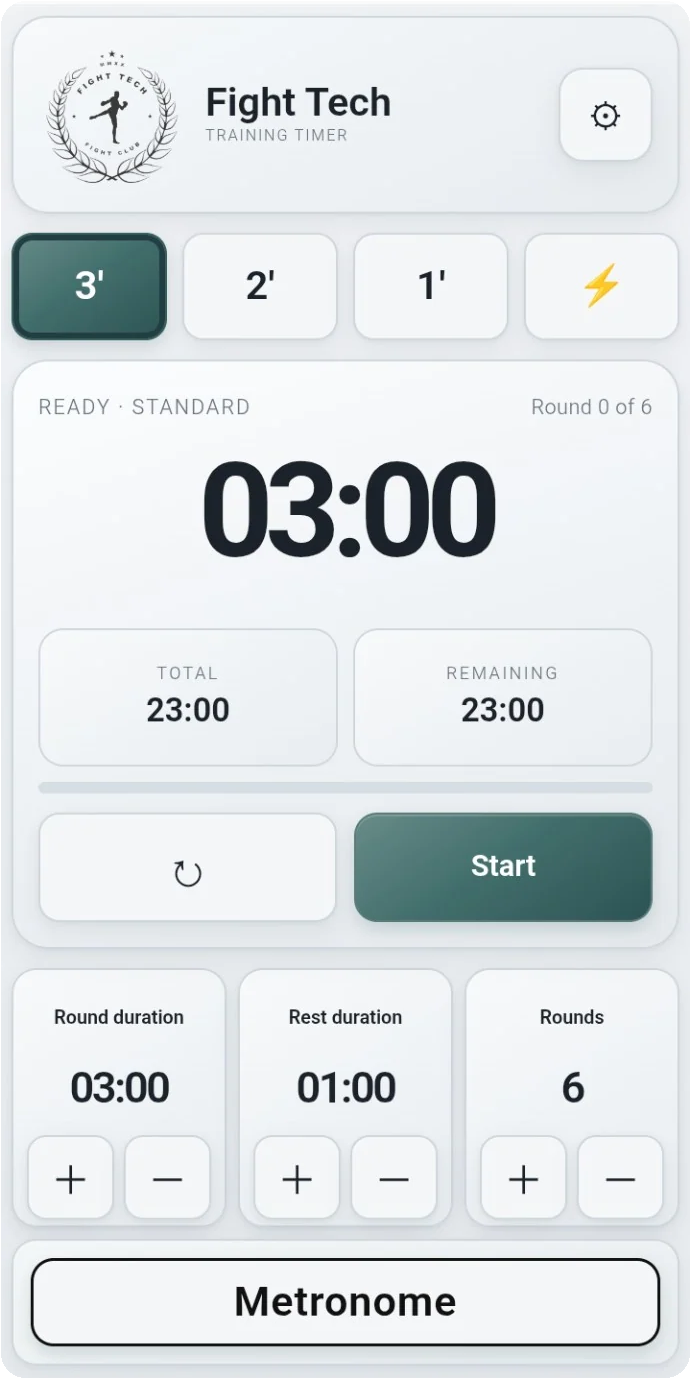
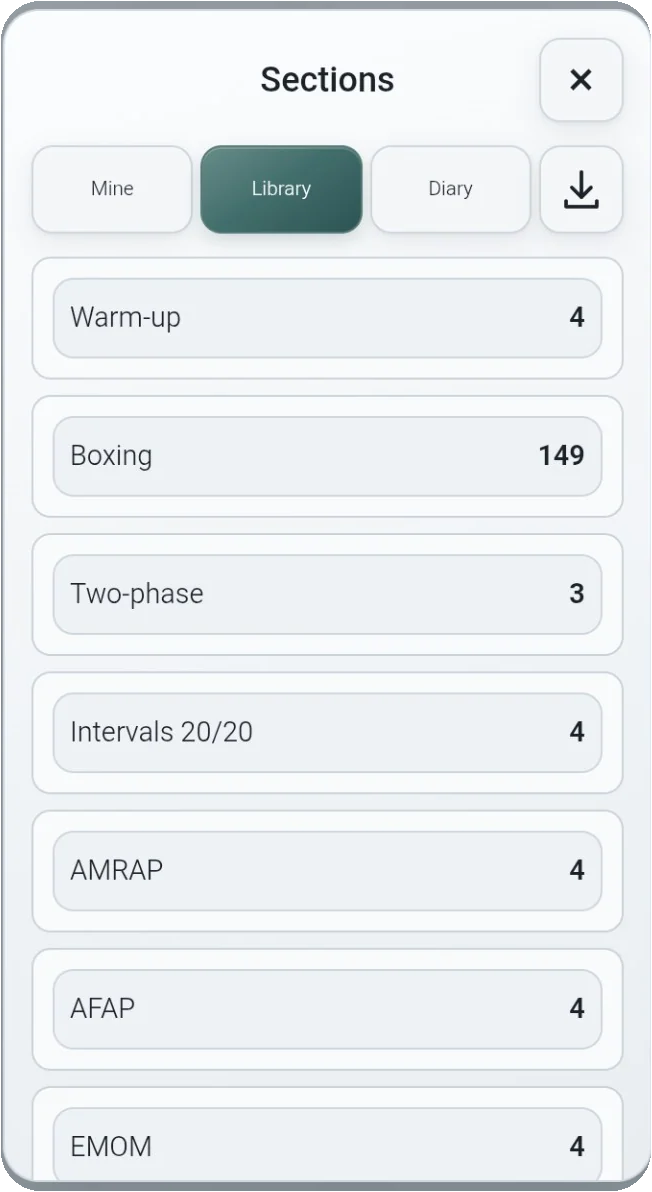
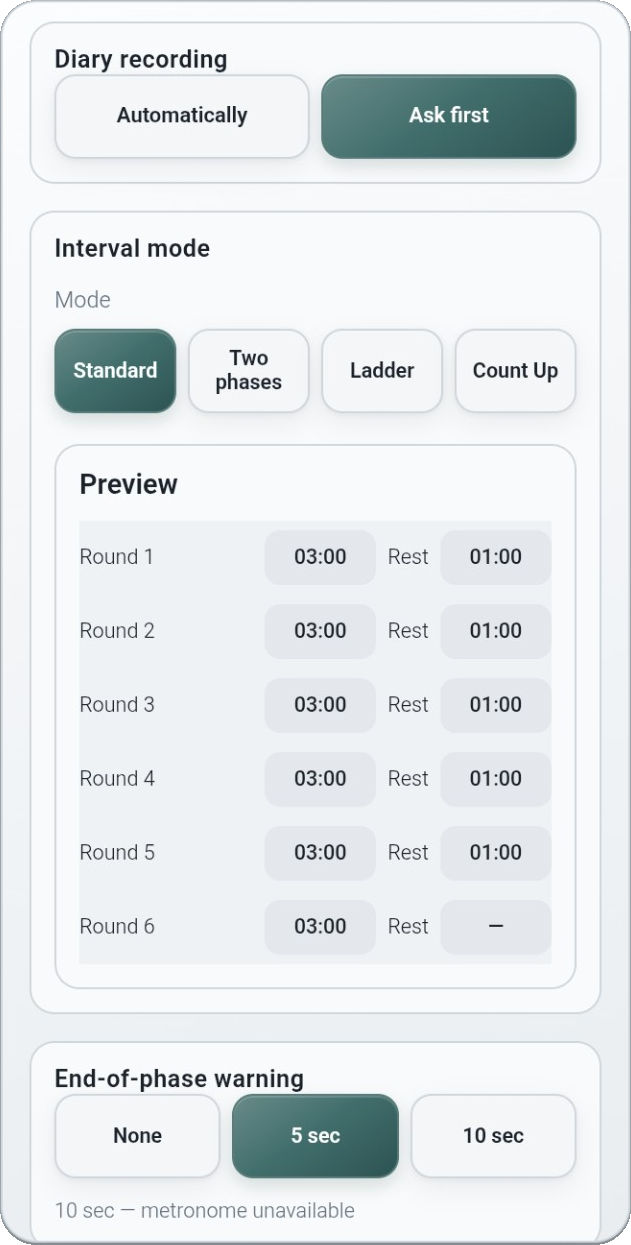
Run a preset directly as a standalone timer, or add presets to a saved training program for a structured workout. In a program, work and rest durations can be adjusted separately for individual rounds. Choose ready-to-use presets or configure your own. Set the number of rounds and the duration of work and rest. Create standard intervals, two-phase rounds, speed intervals and adjustable ladders. Work and rest durations can increase or decrease independently across rounds. For example: 30 seconds work / 10 seconds rest, then 20 / 20, then 10 / 30. Combine two-phase timing with ladder-style progressions. Use interval formats including 20/20, AMRAP, AFAP and EMOM.
Programs And Training Library
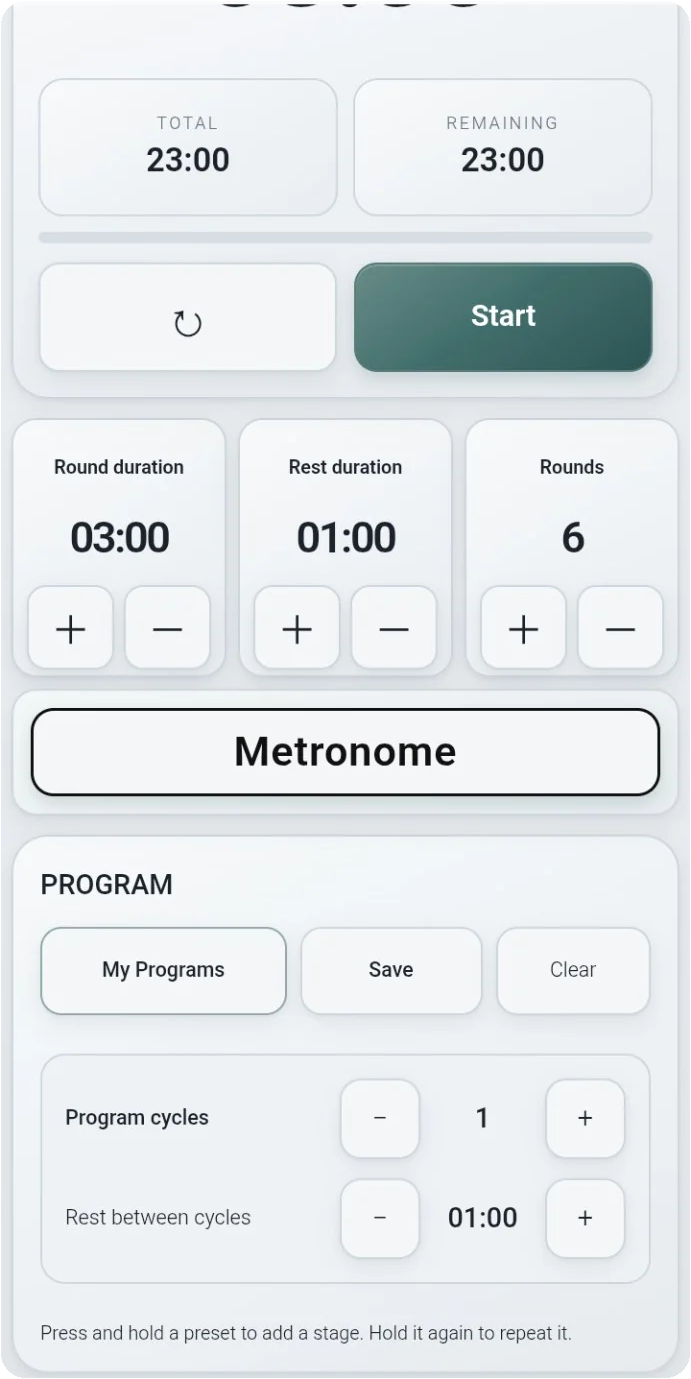
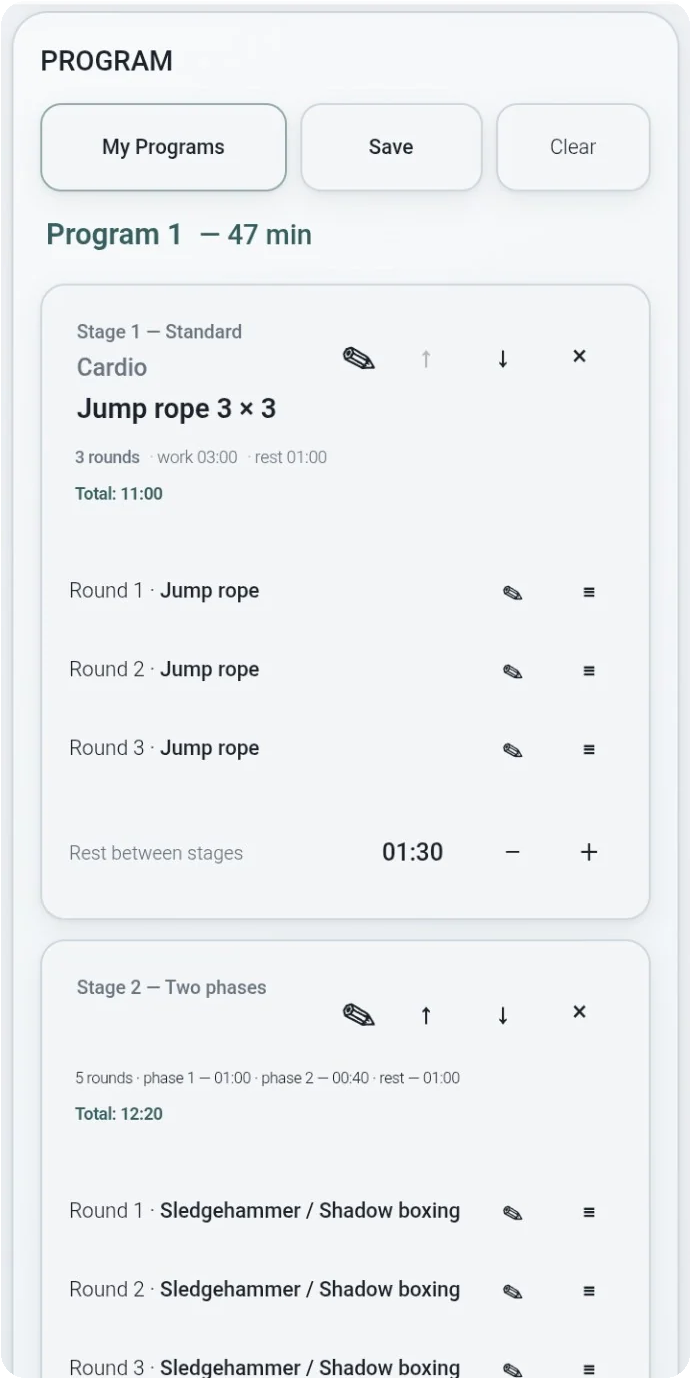
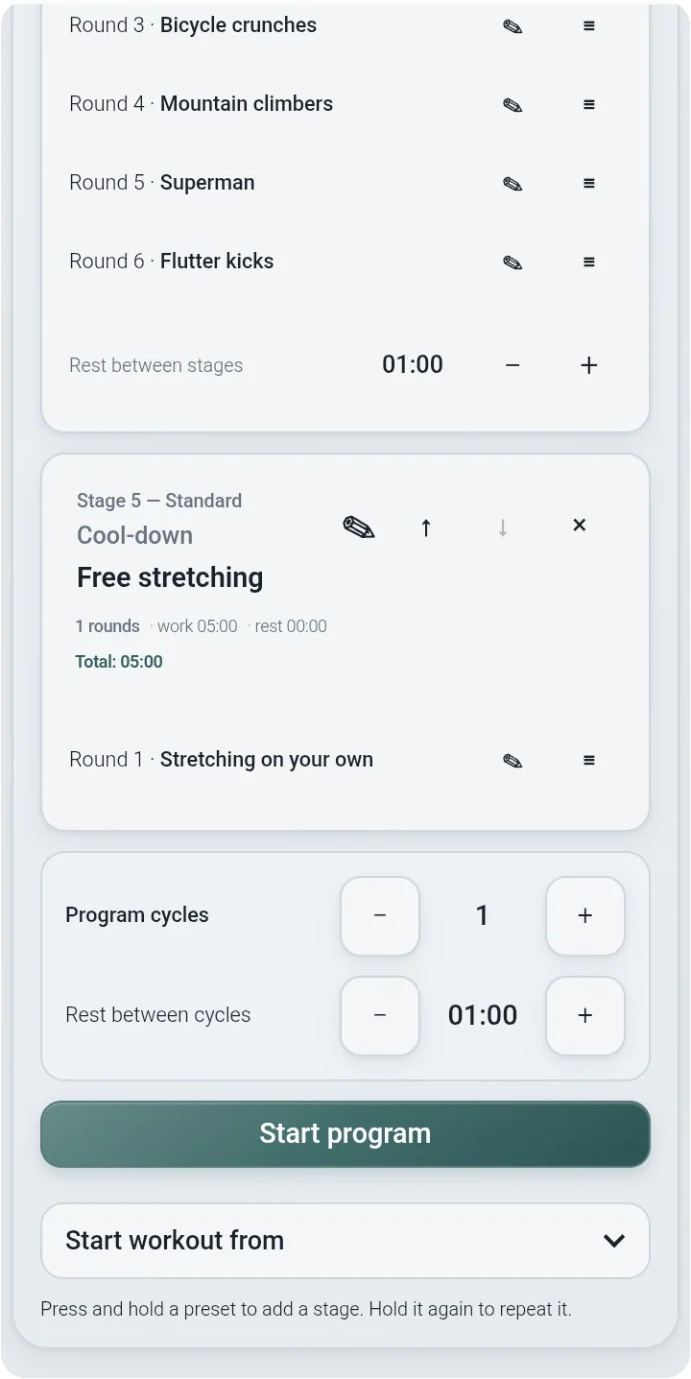
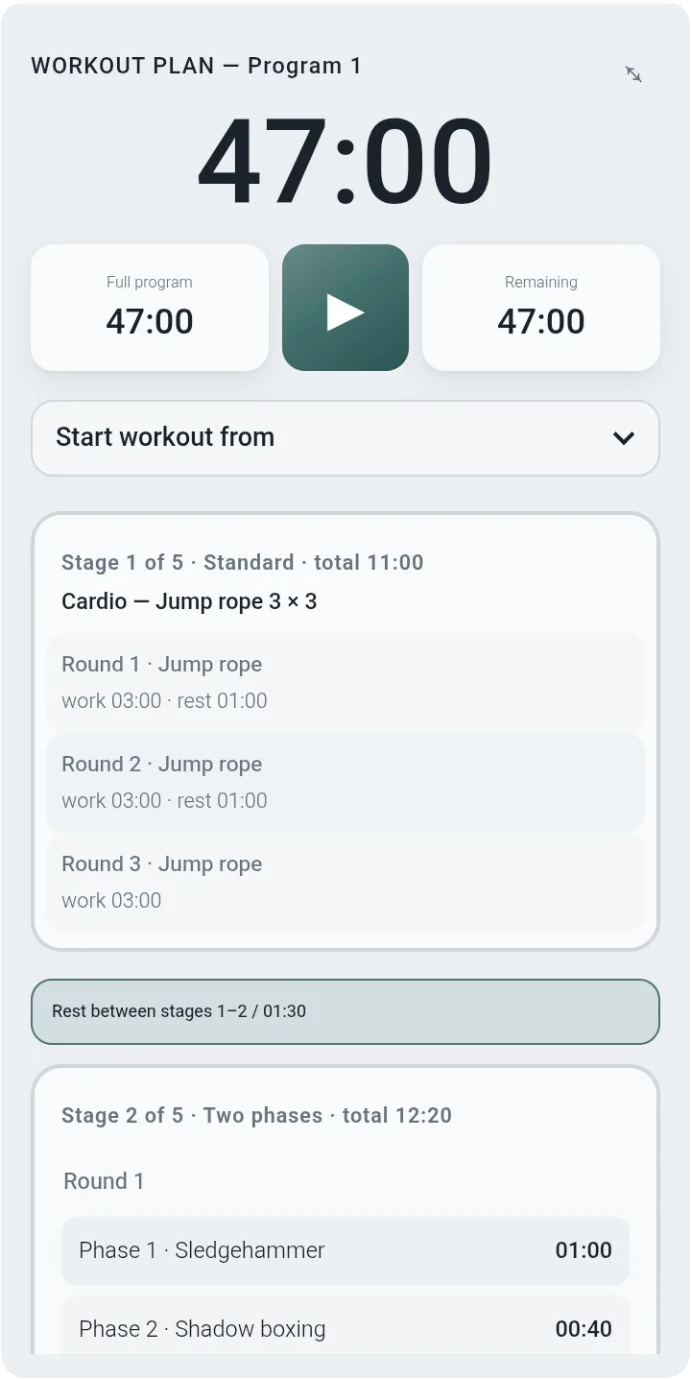
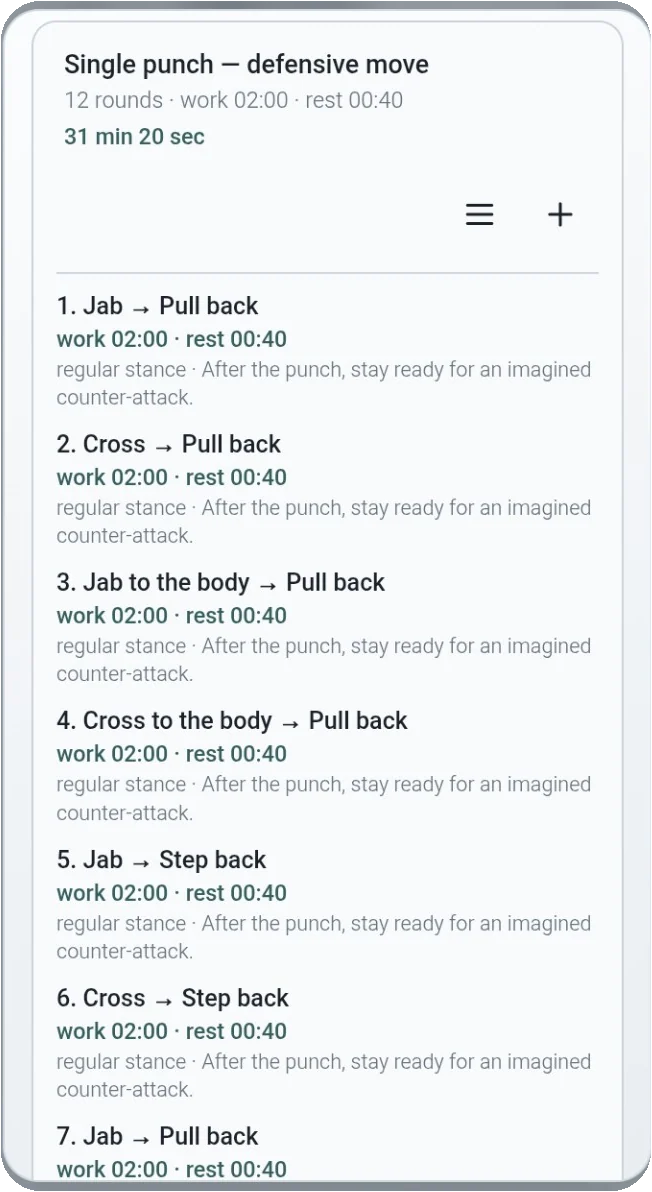
Build workouts from presets or ready-made programs in the training library. Combine several ready-made programs into one workout by appending their stages. Edit each copied stage independently, rearrange the sequence, and save your own programs. Add methodical training descriptions to programs and individual rounds, including technique, tactics, execution notes and common mistakes where provided. Repeat an entire training program in configurable cycles, or repeat a workout from the diary. Start a workout from the beginning or from a selected stage or round. Once the prepared workout plan is running, its stages, rounds, work and rest periods, and breaks between stages follow the saved schedule without requiring manual timer reconfiguration between exercises.
Metronome And Sound
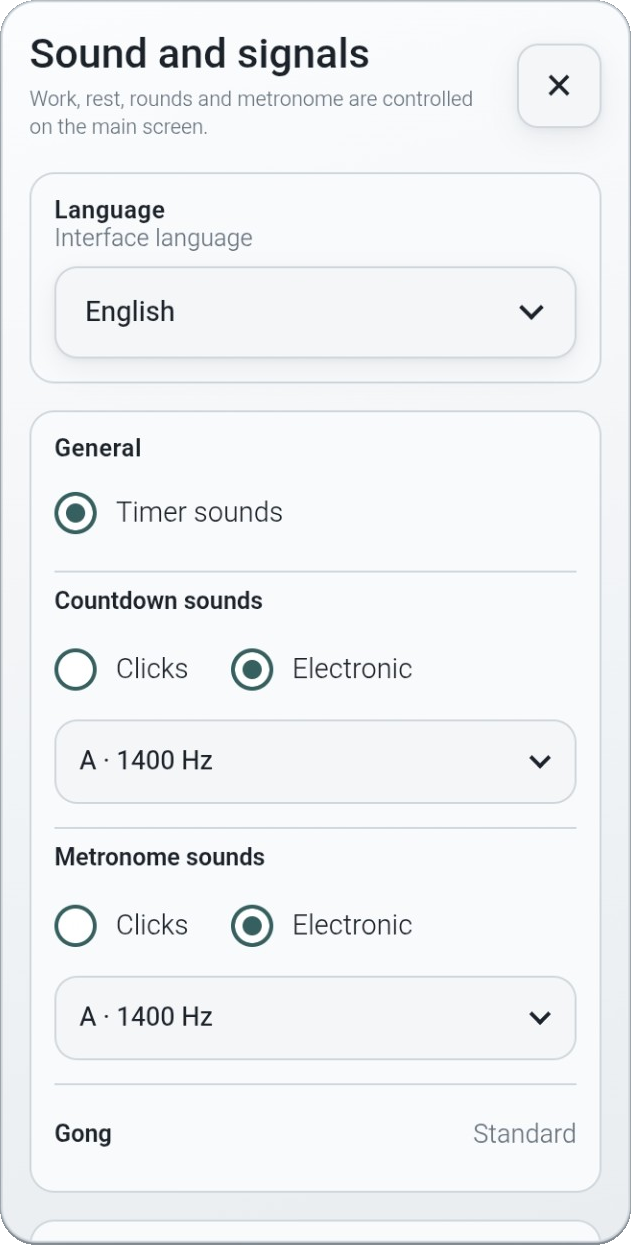
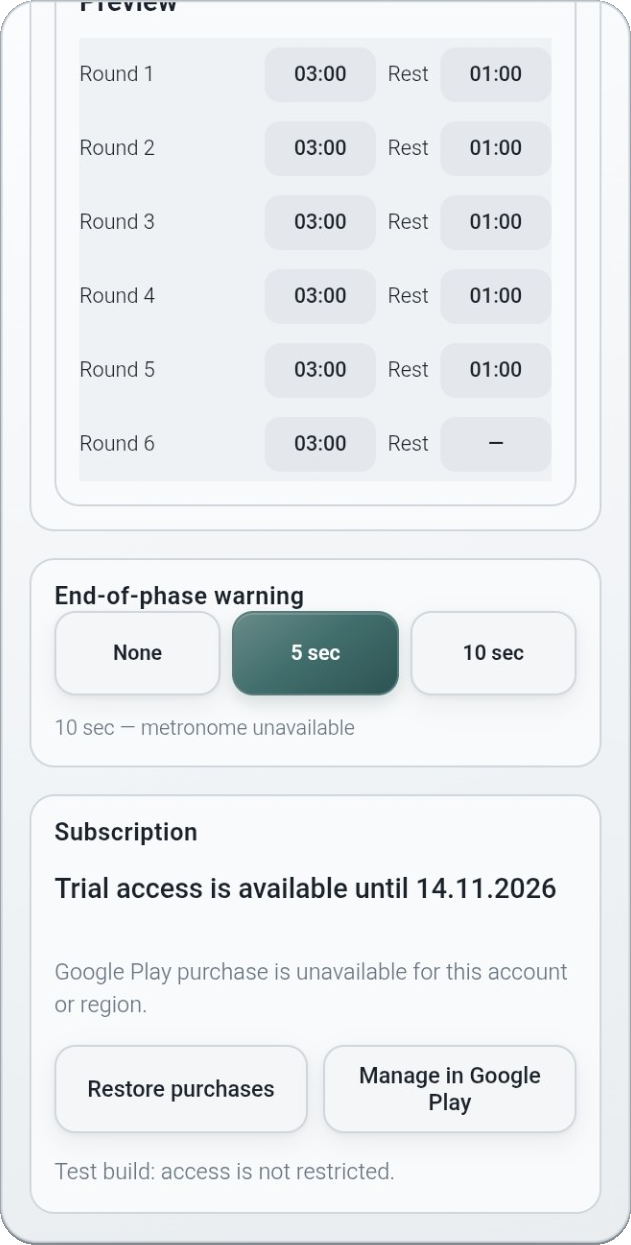
Train with an adjustable metronome, including two-phase configurations and an individual tempo for each round. The tempo may change from round to round as a separate metronome progression; this is different from a work/rest interval ladder. Choose click or electronic countdown/metronome signals. Optional end-of-round warnings can sound 5 or 10 seconds before the round ends, or be switched off. The classic gong remains the primary round signal.
Training Calendar And Diary
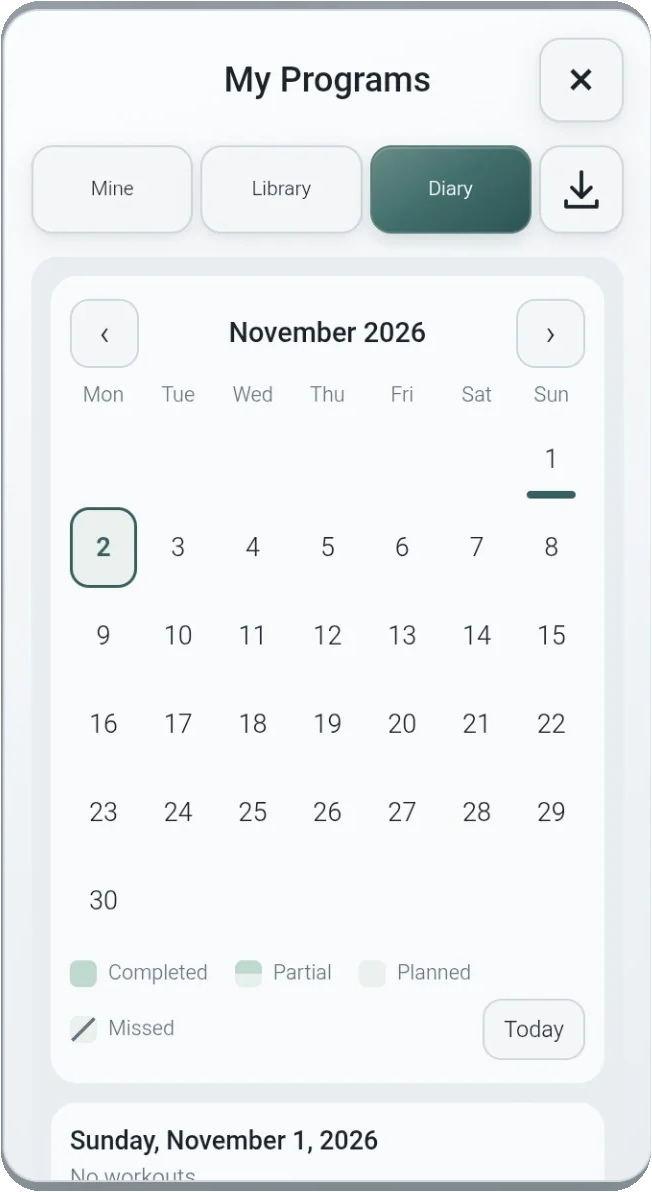
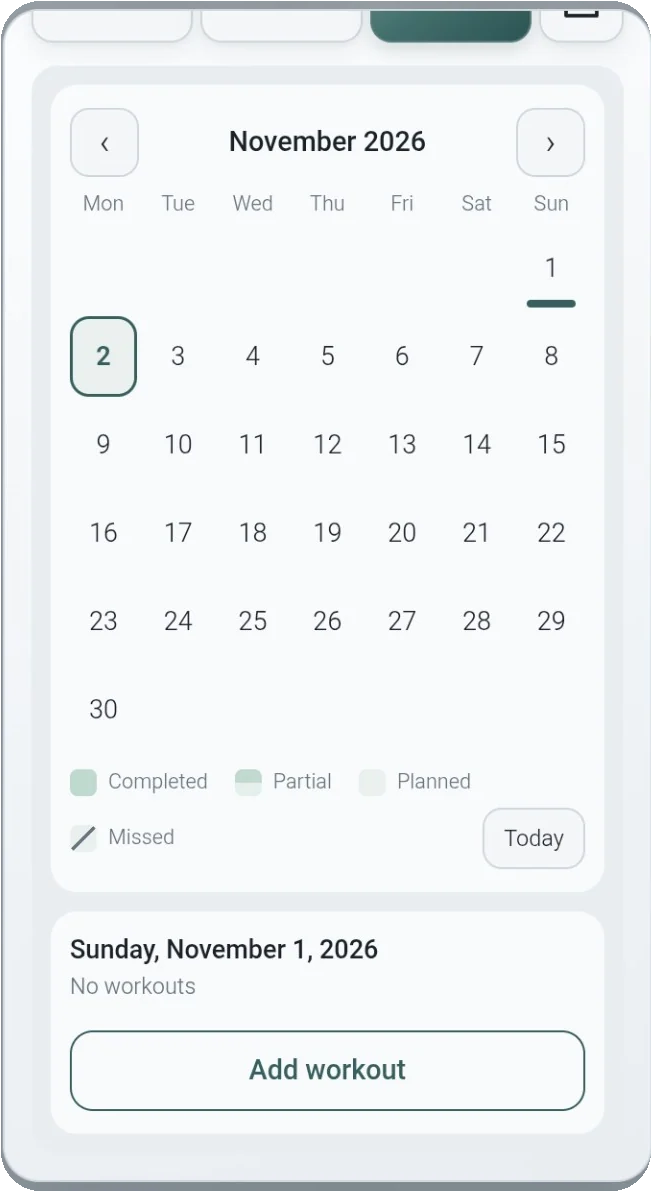
Plan sessions in a training calendar, add programs to dates, and track completed, partially completed, planned and missed workouts. At the end of a session, the app offers to record the workout on the day it took place, with automatic or confirmation-based recording settings. Start a session from the diary, the program screen or the workout-plan screen. Review and adjust future training plans before starting a session. Save and share individual programs as supported by the app. Coaches can prepare individual training programs for different students.
With a prepared workout plan, every stage, round, work interval and recovery period is scheduled in advance. Focus on training rather than stopping to reset the timer for each exercise.
Fight Tech Interval Timer is designed to support independent athletes, coaches and structured training sessions.
 ANDAR FIGHT TECH